
Convert GIF to Jpg
GIF to JPG Converter
Click to upload GIF file
or drag and drop your GIF here
Max file size: 10MB
Converting GIF to JPG…
Converting a GIF (Graphics Interchange Format) to JPG (JPEG, Joint Photographic Experts Group) is a common task for individuals who want to use static images in formats compatible with most devices and applications. Whether you're looking to reduce file size, change image formats for better compatibility, or simply need a static version of an animated GIF, this guide provides detailed steps and options to achieve that.
Why You Should Convert GIF to JPG for Better Web Performance
If you need to convert GIF to JPG, this guide is for you. Whether you're speeding up page load times or capturing a high-quality still from an animation, learning to switch formats is key.
While GIFs are famous for their looping animations, they are often bulky and limited to 256 colours. On the other hand, the JPG (or JPEG) format supports millions of colours and uses superior compression. By choosing to change GIF to JPG, you can significantly reduce file sizes without sacrificing the visual clarity of a static image.
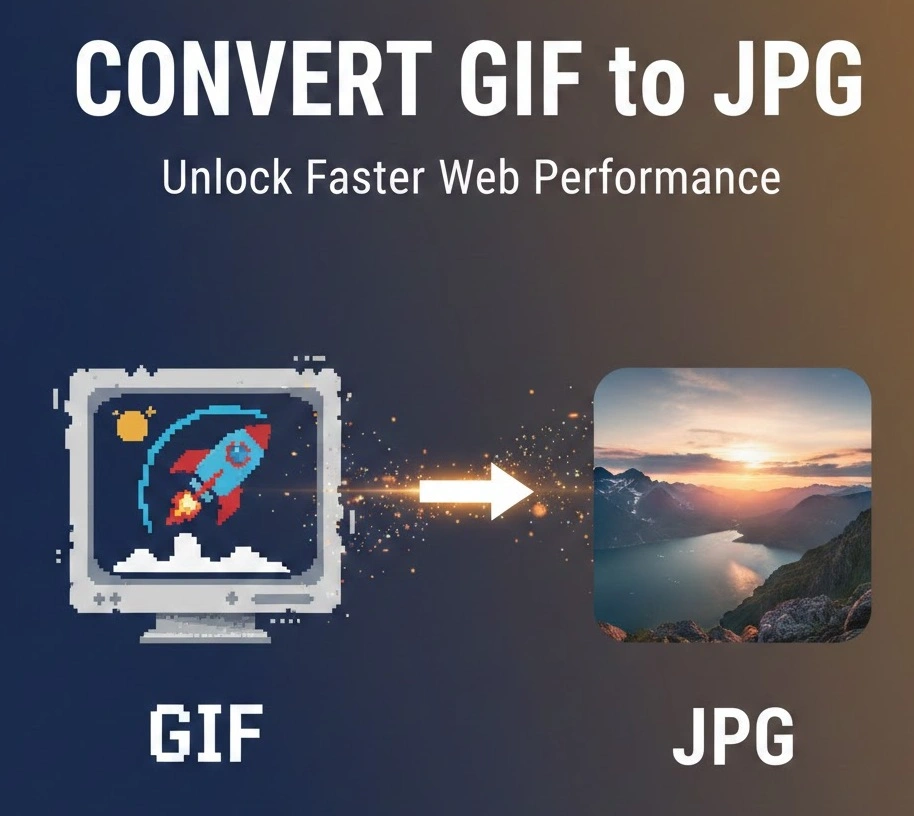
Top Reasons to Use a GIF to JPG Converter
Many users wonder why they should bother with a GIF to image converter. Here are the primary benefits:
- Faster Loading Speeds: JPGs are significantly lighter than GIFs, which helps reduce bounce rates.
- Superior Colour Depth: JPGs handle gradients and photographs much better than the 8-bit palette of a GIF.
- Universal Compatibility: Every browser, social media platform, and email client handles JPG files flawlessly.
- Storage Efficiency: Smaller files mean you save space on your local drive or cloud storage.
How to Convert GIF to JPG in 3 Simple Steps
You don't need expensive software to convert your files. Most modern online GIF to JPG tools use a simple, user-friendly process: Upload your file. Just drag and drop your GIF into the converter window.
- Select your frame: For animated GIFs, many tools let you pick a specific frame to save as an image.
- Download and Save: Hit the convert button and download your new, optimised JPG instantly.
Improving Your Image SEO
When you convert GIF to JPG online, don’t forget the final step: optimisation. Search engines like Google prioritise fast-loading pages. By using a compressed JPG instead of a heavy GIF, you improve your “Core Web Vitals.” To go the extra mile, always rename your file with descriptive keywords (e.g., vintage-car-photo instead of animation1.gif) and add relevant Alt Text.
Conclusion
Converting GIF to JPG in Kuwait is a simple skill with big benefits for speed, aesthetics, and accessibility.
Ready to optimise your visuals? Try our recommended conversion tools today to see the difference in your site speed! If you found this guide helpful, feel free to share it with a fellow creator.